 COME
COMEKeep Account Access Available During a COME Update
Confirm your normal sign-in method before changing the installation. Account access and APK installation are related parts of setup, but they are not the same problem.
Check the account route first
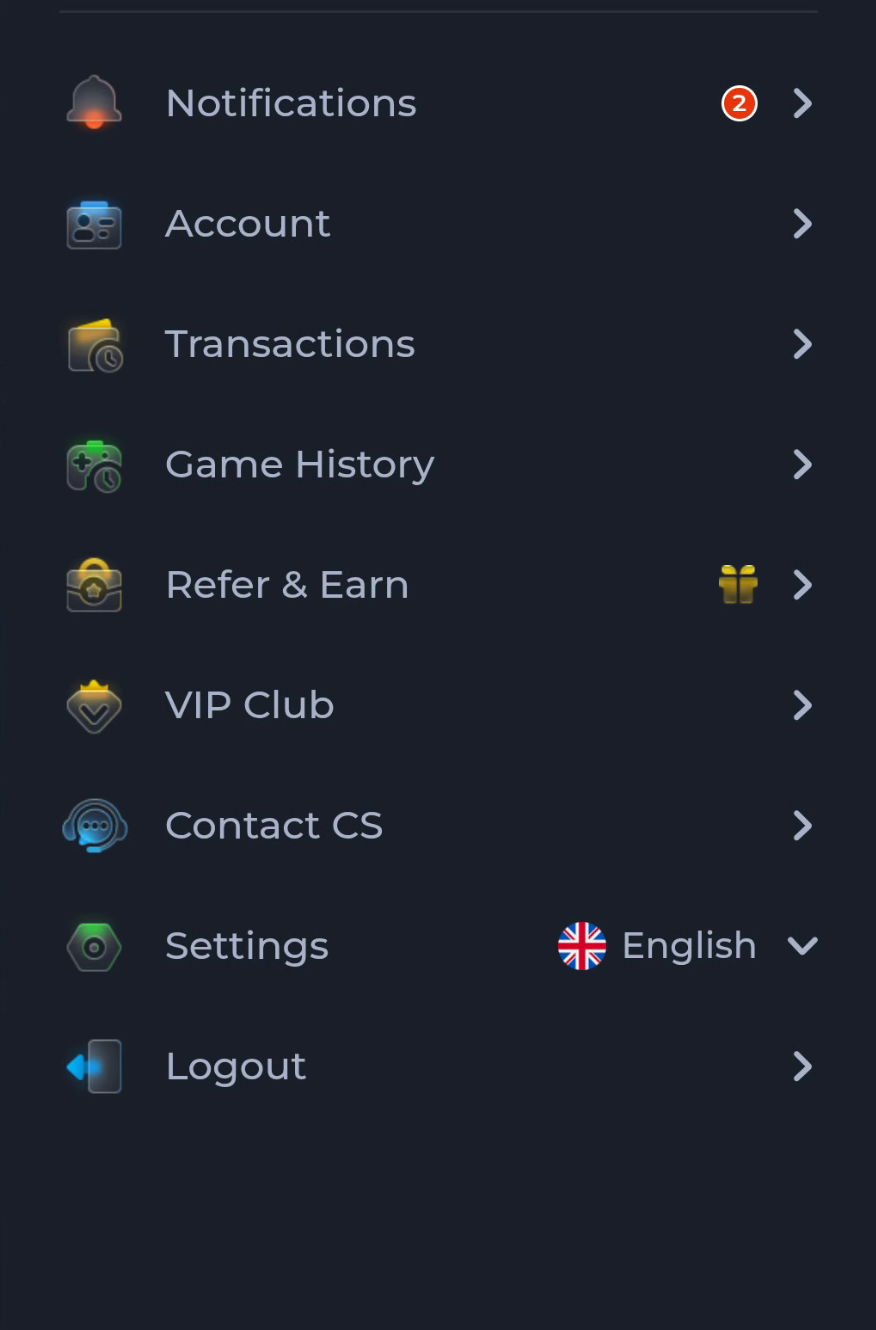
Account, Settings and Logout are separate entries in the pictured menu. You do not need to sign out merely to read an update page. Note the account route you normally use while the existing app still works.
Prepare access without sharing secrets
- Confirm that you can use the registered sign-in method.
- Check access to any verification channel the service requires.
- Use the service’s recovery flow if access is already lost.
- Keep passwords and one-time codes private throughout.
Avoid unnecessary resets
Clearing application data or removing an app can create a fresh sign-in requirement. Do not use these as the first response to a download question. Preserve the current state until the release information and the actual error are understood.
Separate login symptoms from update symptoms
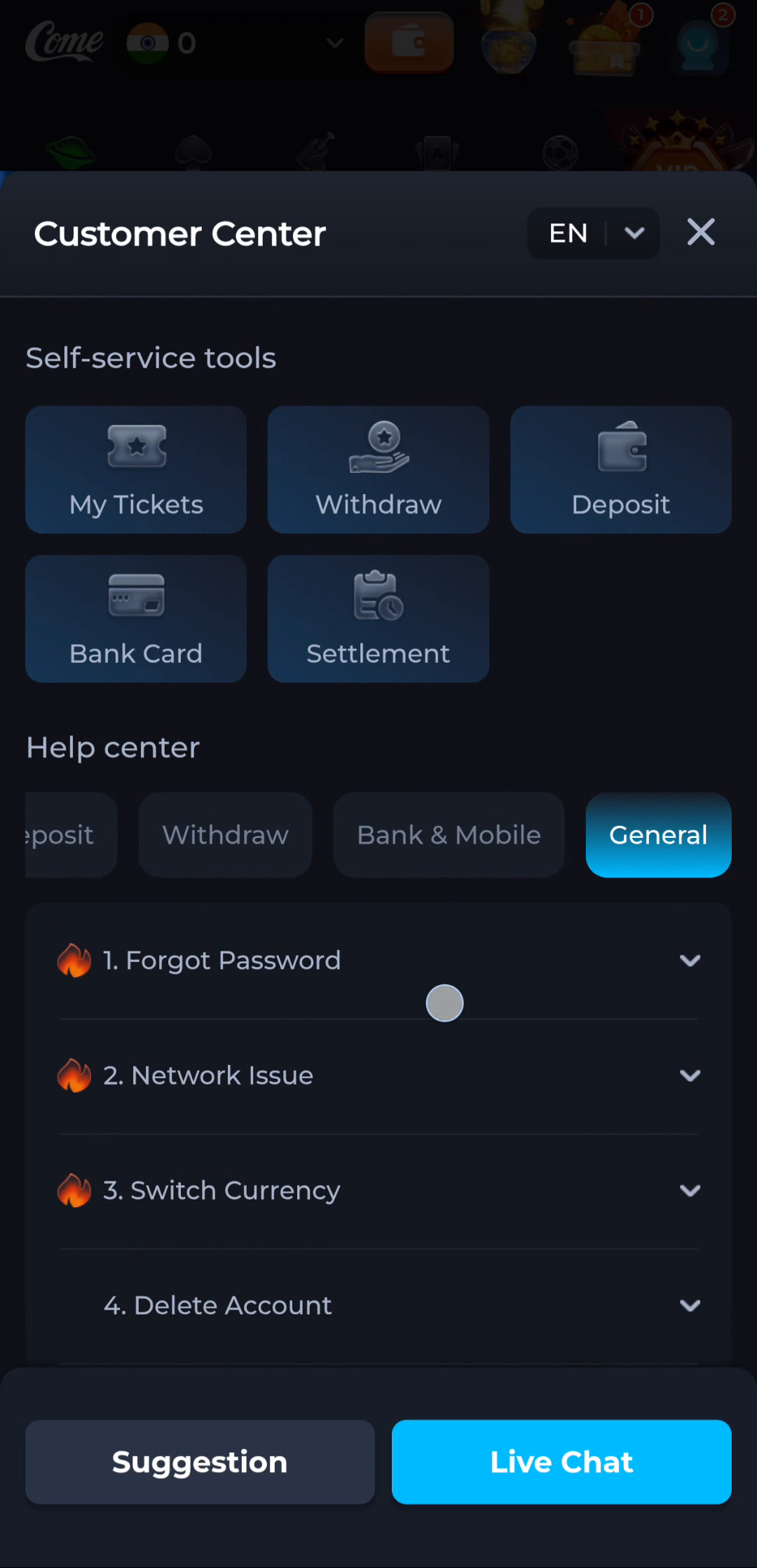
A password or code question belongs to account recovery. An incomplete transfer belongs to the browser. An installer rejection belongs to the installation stage. The Customer Center’s General topics illustrate why these questions should be described separately.
Confirm the two outcomes
After an update, check that the app opens and then confirm you can access the intended account. Do not assume that a download notification proves either result or that creating another account repairs access to the original one.
Continue with the right guide
Choose another topic in Guides, or return to the main steps when you are ready.